Ever found yourself staring at your wine cooler, wondering if it’s plotting against you? Trust me, you’re not alone. Resetting a wine cooler can feel like trying to crack a safe without the combination. But don’t worry, it’s not as complicated as it seems.
Obsah
- Key Takeaways
- Understanding Wine Coolers
- Common Reasons to Reset a Wine Cooler
- Step-by-Step Guide to Resetting a Wine Cooler
- Troubleshooting Tips
- Preventive Maintenance Tips
- Conclusion
- Frequently Asked Questions
- How do I reset my wine cooler?
- What is a thermoelectric wine cooler?
- How important are temperature settings for a wine cooler?
- How often should I clean my wine cooler?
- Why does the door seal matter on a wine cooler?
- Can I place my wine cooler in direct sunlight?
- What are the signs that my wine cooler needs professional inspection?
- How does regular maintenance extend the lifespan of my wine cooler?
Key Takeaways
- Understand the Basics: Wine coolers use advanced technology to maintain optimal wine storage temperatures. Familiarize yourself with different types like thermoelectric and compressor-based models.
- Identify Common Issues: Temperature fluctuations, error codes, and power interruptions are frequent problems. These often require a reset to restore normal function.
- Step-by-Step Reset Guide: To reset a wine cooler, turn off and unplug the unit, locate and press the reset button, and then reprogram the temperature settings using the control panel.
- Troubleshooting Tips: If resetting doesn’t work, check the power supply, inspect the thermostat and condenser coils, and ensure the door seal is intact. Listen for unusual noises that may indicate mechanical issues.
- When to Call a Professional: Persistent problems, frequent cycling, or complete cooling failures should prompt you to seek professional assistance to avoid prolonged issues.
- Preventive Maintenance: Regular cleaning, ensuring proper ventilation, checking door seals, and scheduling annual professional inspections help extend your wine cooler’s lifespan and efficiency.
Understanding Wine Coolers
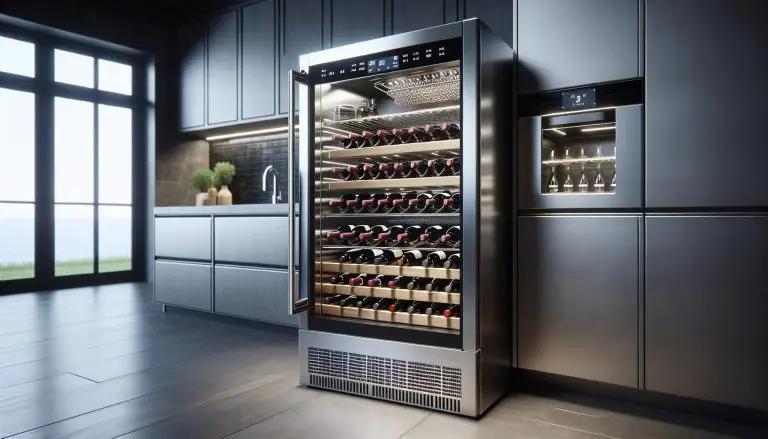
Wine coolers use advanced technology to maintain optimal temperatures for wine storage. They keep your wine at a consistent temperature, ensuring it ages properly without spoilage. There are various types of wine coolers, including thermoelectric and compressor-based models. Each type has its pros and cons, so it’s essential to choose one that fits your needs.
Thermoelectric wine coolers operate quietly and have fewer moving parts, making them less prone to malfunction. They use a cooling node and heat sink, suitable for smaller collections. In contrast, compressor-based wine coolers are more powerful and can achieve lower temperatures. These are ideal for larger collections and can handle fluctuating room temperatures effectively.
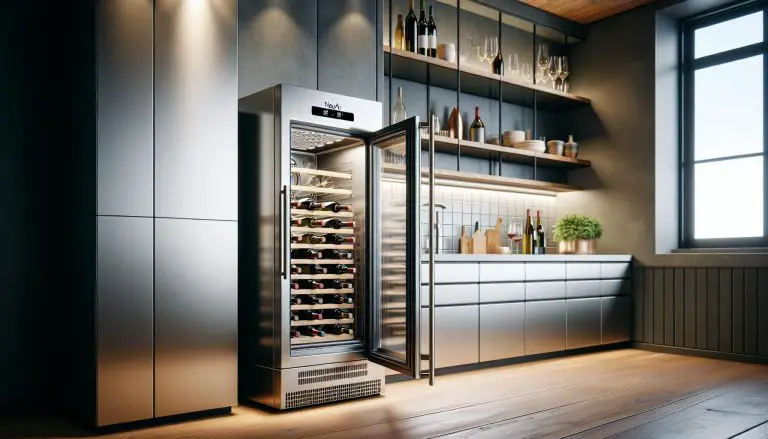
Temperature settings vary by model. Some wine coolers have dual zones, allowing you to store both red and white wines at their respective optimal temperatures. You can adjust settings through a digital control panel, simplifying the process.
Regular maintenance enhances performance. This includes cleaning the interior, checking seals, and ensuring proper ventilation around the cooler. If a wine cooler stops working, resetting it can often resolve minor issues.
Understanding your wine cooler’s operation is crucial. Knowledge of its functions and maintenance requirements ensures your wine stays in perfect condition.
Common Reasons to Reset a Wine Cooler

Wine coolers sometimes face problems that need a reset to function correctly.
Temperature Fluctuations
Temperature fluctuations can disrupt a wine cooler’s performance. If the cooler isn’t maintaining a stable temperature, that indicates a need for resetting. Sometimes, the thermostat gets out of sync, causing erratic temperature changes. For example, sudden spikes or drops in temperature can affect the wine’s quality.
An improper door seal can also cause fluctuations. When the door doesn’t close tightly, the cooler works harder, leading to inconsistent temperatures. A simple reset often helps, but check the door seal too. Regular maintenance prevents frequent resets. Clean vents and check the fan to ensure proper air circulation. Dust buildup can hinder performance, and resetting may solve the immediate issue.
Another cause is power interruptions. Brief power outages can lead to temperature inconsistencies. A reset re-calibrates the system, restoring its efficiency. Unplugging the unit for a few minutes and plugging it back in can reset the internal components.
Error Codes or Malfunctions
Error codes signal malfunctions that often need a reset. Wine coolers display these codes to indicate issues like sensor problems or system faults. For instance, an E3 error commonly points to a temperature sensor malfunction.
Resetting often clears error codes. Start by unplugging the cooler for a few minutes, then plug it back in. If the error persists, consult the user manual. It usually lists common error codes and troubleshooting steps.
Sensor failures sometimes occur. The cooler’s interior sensors can become faulty, misreading temperatures. Resetting the system can recalibrate the sensors. If errors recur, the sensor might need replacement.
Electrical surges also cause malfunctions. Power surges can disrupt the cooler’s electronics. Resetting the unit can often fix minor issues caused by these surges. Ensure your cooler has a surge protector to prevent future problems.
By addressing these common reasons, maintaining a consistent and reliable wine storage environment becomes easier.
Step-by-Step Guide to Resetting a Wine Cooler

Encountering issues with your wine cooler can be frustrating. Resetting the unit often solves these common problems, restoring optimal conditions for your wine collection. I’ll guide you through each step.
Turning Off and Unplugging
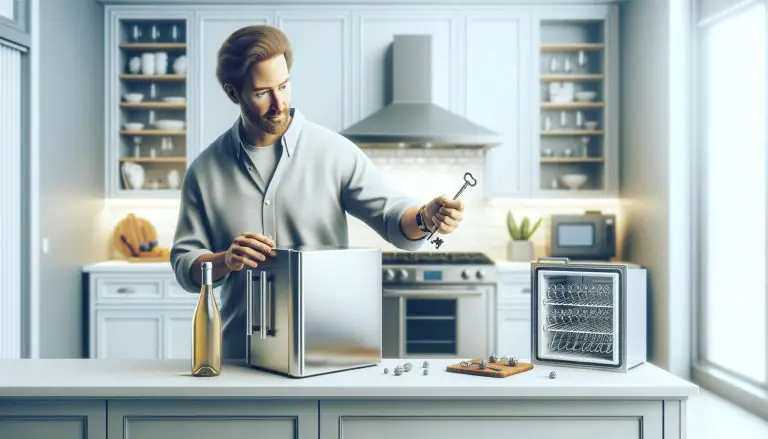
First, turn off your wine cooler. Locate the power switch, usually inside the unit, and switch it to the “off” position. Next, unplug the cooler from the electrical outlet. This ensures safety and prevents electrical surges while you work. Leave it unplugged for about 10-15 minutes. This short break lets the system reset, helping eliminate any lingering faults. After waiting, you can proceed to the next step.
Locating the Reset Button
Finding the reset button can vary by model. Typically, it’s on the back of the unit or inside near the control panel. Refer to your user manual if you’re unsure. Once found, press and hold the reset button for a few seconds. Some models might require you to hold it until you hear a beep or see an indicator light. Release the button and wait for the cooler to reboot. This action addresses many minor issues affecting temperature and performance.
Reprogramming Temperature Settings
After resetting, reprogram the temperature settings. Turn your wine cooler back on by switching the power button to “on”. Use the control panel to set your desired temperature, usually between 45-65°F for proper wine storage. Refer to your owner’s manual for specific instructions on adjusting settings for your model. It’s crucial to allow a few hours for the cooler to reach its new settings before adding back your wine bottles. This ensures they remain stored at the perfect temperature, preserving their quality.
Troubleshooting Tips
If the reset process mentioned earlier doesn’t resolve the issue, some additional troubleshooting steps can help.
What to Do If Resetting Doesn’t Work
First, check the power supply. Verify that the wine cooler is plugged in securely and the outlet is functional. Use another device to test the outlet if necessary.
Second, inspect the thermostat. Sometimes it malfunctions, leading to improper cooling. Adjust the thermostat setting, then monitor the temperature for changes.
Third, examine the condenser coils. Dust and debris accumulation can affect performance. Clean the coils using a vacuum or a soft brush.
Next, look at the door seal. A loose or damaged seal allows cool air to escape, causing temperature issues. Replace the seal if it appears worn or compromised.
Lastly, check for unusual noises. Strange sounds often indicate mechanical problems. Listen for any rattling, humming, or clicking that could signify component failure.
When to Call a Professional
Consider calling a professional if the above steps don’t fix the problem. Persistent temperature issues might mean a deeper mechanical or electrical failure that requires specialized tools or expertise to diagnose.
Notice if the wine cooler cycles on and off frequently. This behavior suggests a potential compressor or internal electrical fault. A technician can accurately determine and resolve such issues.
Additionally, if the unit stops cooling entirely, it’s best to seek professional help. This could mean a significant component failed, needing expert repair.
Repeated problems after attempted resets also warrant professional intervention. Continuous malfunctions could imply underlying issues requiring detailed inspection or replacement parts.
In these scenarios, hiring a technician ensures the cooler’s proper function and longevity, protecting your wine investment.
Preventive Maintenance Tips
Regularly cleaning the wine cooler’s interior helps maintain hygiene and efficiency. Dust and debris accumulate on condenser coils over time, reducing performance. Gently vacuum or brush these coils monthly. Check the door seal every few weeks. A tight seal keeps the internal temperature consistent. Inspect it for cracks or wear and replace if necessary.
Keep the cooler in a well-ventilated area. Proper airflow prevents overheating. Adequate ventilation ensures that the wine cooler operates efficiently. Avoid placing it in direct sunlight or near heat sources like ovens. Monitor the unit’s temperature settings. Fluctuations indicate potential issues needing immediate attention.
Schedule professional inspections annually. Technicians can identify problems early, preventing costly repairs. Follow the manufacturer’s guidelines for replacing air filters and other components. Consistent maintenance extends the cooler’s lifespan. Always handle the unit carefully during cleaning or maintenance to avoid damage.
Conclusion
Resetting a wine cooler might seem daunting at first but it’s definitely something you can handle with the right guidance. Understanding how your wine cooler functions and staying on top of regular maintenance can make a significant difference. By keeping the door seal intact ensuring proper ventilation and maintaining optimal temperature settings you can enjoy the perfect environment for your wine collection. Regular cleaning and professional inspections will further help in extending the lifespan of your wine cooler. With these tips you’ll be well-equipped to keep your wine cooler running smoothly for years to come.
Frequently Asked Questions
How do I reset my wine cooler?
To reset your wine cooler, unplug it from the power source for a few minutes and then plug it back in. This should help reset the system. Refer to your user manual for model-specific instructions.
What is a thermoelectric wine cooler?
A thermoelectric wine cooler uses a technology that relies on electrical currents and semiconductor materials to cool the unit quietly and efficiently, without a compressor.
How important are temperature settings for a wine cooler?
Temperature settings are crucial for maintaining the quality of wine. Most wines should be stored between 45-65°F, depending on the type of wine.
How often should I clean my wine cooler?
Clean your wine cooler at least every three months. Regular cleaning ensures optimal performance and reduces the risk of mold and odor buildup.
Why does the door seal matter on a wine cooler?
A good door seal prevents warm air from entering the cooler, ensuring stable internal temperatures and efficient operation.
Can I place my wine cooler in direct sunlight?
No, avoid placing your wine cooler in direct sunlight or near heat sources. Excessive heat can affect the unit’s cooling efficiency and the quality of the wine.
What are the signs that my wine cooler needs professional inspection?
Unusual noises, inconsistent temperatures, and visible dirt buildup on condenser coils are signs that your wine cooler might need a professional inspection.
How does regular maintenance extend the lifespan of my wine cooler?
Regular maintenance, such as cleaning, checking seals, and ensuring proper ventilation, helps prevent performance issues and prolongs the lifespan of your wine cooler.